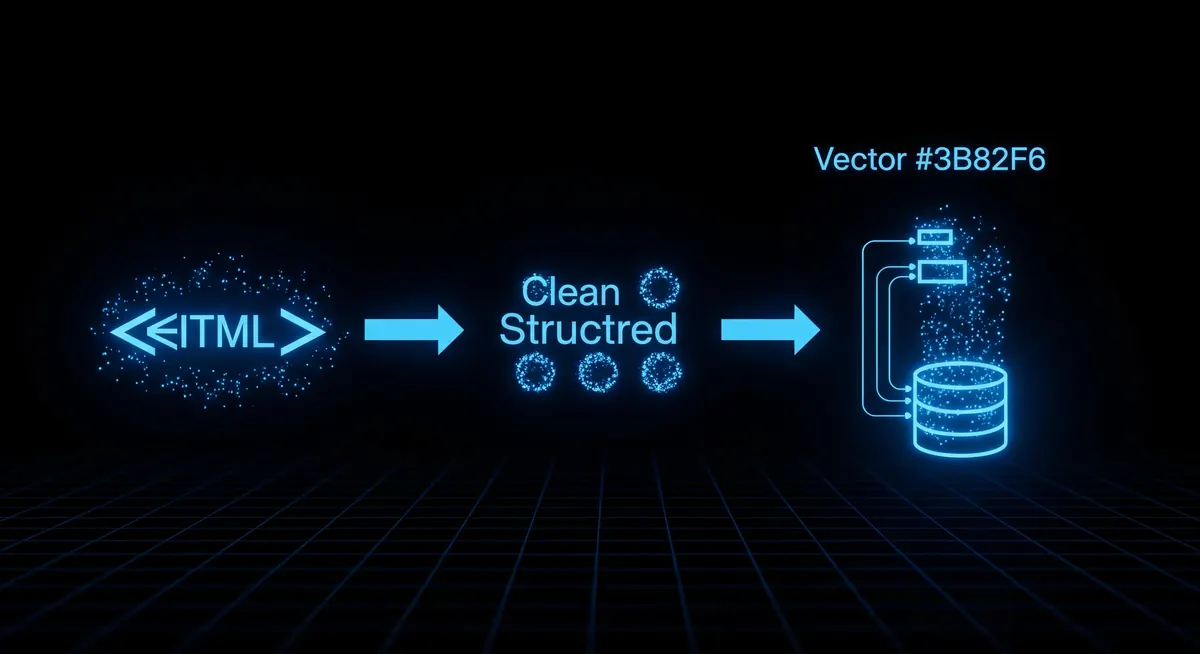
How to Build a RAG Pipeline Using Web-Scraped Content
A complete guide to turning any website into LLM context — from crawling and chunking to embedding, retrieval, and keeping the index fresh.
The actor referenced in this article. Pay only for results delivered.
Retrieval-augmented generation (RAG) is the standard architecture for building LLM applications that answer questions using current, domain-specific, or private data. The most common data source for enterprise RAG is internal documentation — and most of that documentation lives on websites.
TL;DR: A web-scraped RAG pipeline has six steps: crawl with JS rendering, normalize to markdown stripping boilerplate, chunk by heading boundary at ~512 tokens, embed with a lightweight model, index in a vector store, and re-crawl on a schedule. Chunk strategy (heading-based) has more impact on retrieval quality than embedding model choice. Monthly pipeline cost for 1,000 pages: roughly $2.
This guide walks through the complete pipeline: crawling, chunking, embedding, indexing, retrieval, and freshness management.
Architecture Overview
Website → Crawler → HTML-to-Markdown → Chunker → Embedding Model → Vector Store → Retrieval API
                                                                                         ↓
                                                                              LLM (GPT-4, Claude, etc.)
Each step has its own failure modes. We will cover each one.
Step 1: Crawl and Extract
The first problem is getting clean text from HTML. Two things break naive crawlers:
JavaScript rendering: Most documentation and product pages are rendered client-side. requests.get(url) returns a nearly empty HTML shell. You need a headless browser.
Boilerplate noise: Navigation menus, footers, cookie banners, and sidebar widgets inflate your document. A 1,500-word article surrounded by 800 words of navigation boilerplate means 35% of your context window is noise.
from apify_client import ApifyClient

client = ApifyClient('YOUR_API_TOKEN')
run = client.actor('themineworks/rag-crawler').call(run_input={
    'startUrls': [{'url': 'https://docs.yourproduct.com'}],
    'maxPages': 500,
    'renderJs': True,
    'outputFormat': 'markdown',
    'maxTokensPerChunk': 512,
    'includeTokenCount': True,
    'excludeUrlPatterns': ['**/changelog/**', '**/api-reference/raw/**'],
})

pages = list(client.dataset(run['defaultDatasetId']).iterate_items())
print(f"Crawled {len(pages)} pages")
Each result contains url, title, markdown, and tokenCount. The markdown has already stripped navigation and boilerplate, leaving only the article body.
Step 2: Chunking Strategy
How you split documents has more impact on retrieval quality than which vector database or embedding model you use.
Fixed token chunking (baseline): Split every document into 512-token windows with 10% overlap. Fast to implement, mediocre retrieval quality because chunk boundaries cut across logical units.
Semantic chunking (recommended): Split on heading boundaries. Each chunk is one section of documentation — a natural semantic unit.
import re

def chunk_by_heading(markdown: str, max_tokens: int = 512) -> list[dict]:
    sections = re.split(r'\n(?=#{1,3} )', markdown)
    chunks = []

    for section in sections:
        lines = section.strip().split('\n')
        heading = lines[0] if lines[0].startswith('#') else ''
        body = '\n'.join(lines[1:] if heading else lines)

        # Rough token estimate (1 token ≈ 4 chars)
        if len(body) / 4 <= max_tokens:
            chunks.append({'heading': heading, 'content': body})
        else:
            # Split long sections by paragraph
            paragraphs = body.split('\n\n')
            current = []
            current_len = 0
            for p in paragraphs:
                p_len = len(p) / 4
                if current_len + p_len > max_tokens and current:
                    chunks.append({'heading': heading, 'content': '\n\n'.join(current)})
                    current = [p]
                    current_len = p_len
                else:
                    current.append(p)
                    current_len += p_len
            if current:
                chunks.append({'heading': heading, 'content': '\n\n'.join(current)})

    return chunks
Metadata preservation: Every chunk should carry url, title, heading, and crawledAt. This metadata is critical for citation generation and freshness filtering.
Step 3: Embedding
For most RAG use cases, text-embedding-3-small (OpenAI) or embed-english-v3.0 (Cohere) provides the right balance of quality and cost.
from openai import OpenAI
import numpy as np

client = OpenAI()

def embed_chunks(chunks: list[dict]) -> list[dict]:
    texts = [f"{c['heading']}\n{c['content']}" for c in chunks]

    response = client.embeddings.create(
        model='text-embedding-3-small',
        input=texts,
    )

    for chunk, embedding_obj in zip(chunks, response.data):
        chunk['embedding'] = embedding_obj.embedding

    return chunks
Batch your embedding calls — OpenAI allows up to 2,048 inputs per request. For 10,000 chunks at 512 tokens average, embedding costs approximately $0.02 with text-embedding-3-small.
Step 4: Vector Store
For most teams starting out, Pinecone or Chroma work well. For production with strict latency requirements, pgvector (Postgres extension) is often the right choice because it collocates with your existing data.
import chromadb

chroma = chromadb.Client()
collection = chroma.create_collection('docs')

collection.add(
    ids=[f"{c['url']}#{i}" for i, c in enumerate(embedded_chunks)],
    embeddings=[c['embedding'] for c in embedded_chunks],
    documents=[c['content'] for c in embedded_chunks],
    metadatas=[{
        'url': c['url'],
        'title': c.get('title', ''),
        'heading': c.get('heading', ''),
    } for c in embedded_chunks],
)
Step 5: Retrieval and Generation
def answer_question(question: str, collection, llm_client) -> str:
    # Embed the question
    q_embedding = llm_client.embeddings.create(
        model='text-embedding-3-small',
        input=[question]
    ).data[0].embedding

    # Retrieve top-5 relevant chunks
    results = collection.query(
        query_embeddings=[q_embedding],
        n_results=5,
    )

    context = '\n\n---\n\n'.join(results['documents'][0])
    sources = [m['url'] for m in results['metadatas'][0]]

    # Generate answer with Claude
    import anthropic
    client = anthropic.Anthropic()

    response = client.messages.create(
        model='claude-sonnet-4-6',
        max_tokens=1024,
        messages=[{
            'role': 'user',
            'content': f"""Answer this question using only the provided context.

Context:
{context}

Question: {question}

If the answer is not in the context, say so."""
        }]
    )

    return response.content[0].text, sources
Step 6: Keeping the Index Fresh
This is the part most tutorials skip. Documentation sites update continuously. A stale index returns outdated answers.
Crawl scheduling: Re-crawl the most frequently updated sections daily or weekly. Use the crawler’s changeDetection option to only re-embed pages whose content has changed since the last crawl.
Staleness metadata: Store crawledAt with each chunk. When a query returns chunks older than your staleness threshold, add a disclaimer or trigger a background re-crawl.
Incremental update pattern:
# Only re-embed pages that have changed
for page in new_crawl_results:
    existing = collection.get(ids=[page['url']])
    if not existing['ids'] or existing['documents'][0] != page['markdown']:
        collection.delete(ids=[page['url']])
        # Re-chunk, re-embed, re-add
Typical Pipeline Costs
For a 1,000-page documentation site, refreshed weekly:
| Component | Monthly Cost |
|---|---|
| Crawling (RAG Crawler) | ~$2.00 |
| Embedding (OpenAI small) | ~$0.02 |
| Vector storage (Pinecone free tier) | $0 |
| LLM inference (depends on usage) | Variable |
The crawling and embedding costs are small. The LLM inference cost scales with how many questions users ask.
Frequently Asked Questions
What is the best chunk size for RAG from web-scraped content?
512 tokens per chunk is a reliable baseline. Smaller chunks (256 tokens) improve precision for narrow factual queries. Larger chunks (1,024 tokens) work better for summarization tasks. The most important factor is alignment with logical document units — split on heading boundaries rather than arbitrary token counts, and always preserve the heading as context in each chunk for interpretable retrieval results.
Why does chunking strategy matter more than the embedding model choice?
The embedding model converts text to vectors, but if chunk boundaries cut across a logical idea — splitting a code example from its explanation — even a perfect embedding cannot reconstruct the relationship. Heading-based semantic chunking preserves document structure so retrieved chunks are self-contained. Switching from fixed-token to heading-based chunking typically improves retrieval precision more than switching embedding models.
How do you keep a RAG index fresh for a website that updates frequently?
Schedule periodic re-crawls and compare each page’s new content against the stored version. Only re-embed pages whose content has changed. Store a crawledAt timestamp with each chunk and add staleness warnings in your retrieval logic when chunks exceed your freshness threshold. Exclude high-churn pages like changelogs from your primary index or handle them in a separate collection.
What does it cost to build a RAG pipeline from a 1,000-page documentation site?
Crawling 1,000 pages monthly with a pay-per-result crawler costs roughly $2.00. Embedding with OpenAI’s text-embedding-3-small costs approximately $0.02. Vector storage on Pinecone’s free tier is $0 at this scale. The primary variable cost is LLM inference at query time, which scales with the number of questions your users ask.
Should I use Pinecone, Chroma, or pgvector for a RAG pipeline?
For prototyping, Chroma (local, in-process) is fastest to set up with no infrastructure. For production with strict latency requirements, pgvector running alongside your existing Postgres database eliminates a network hop and simplifies your stack. Pinecone is a managed vector service suitable for teams wanting to avoid self-hosting. At small scales (under 100,000 chunks), the performance difference between all three is negligible.
Explore the scraper referenced in this article — see inputs, outputs, and pricing, then run it on Apify.
How to Scrape CutShort Jobs for India Tech Hiring Data (No API)
CutShort is where Indian startups post engineering and product roles, and it has no public jobs API. Learn how to extract titles, companies, salary ranges, skills, and experience bands as structured JSON for recruiting feeds and talent market research.
Airbnb Scraper: Listing Prices, Ratings, and Availability Without the API
Airbnb has no public listings API. Here's how to pull nightly price, rating, superhost status and coordinates from Airbnb search results using Python.
Maps Leads: Verified Email Extraction from Google Maps Business Listings
How to pull B2B leads from Google Maps with MX-verified emails, past the official API's 120-result cap, and pay only for contactable businesses.